 Bookbndr
What you'll do: choose the opening and closing pages your book needs, then add your text.
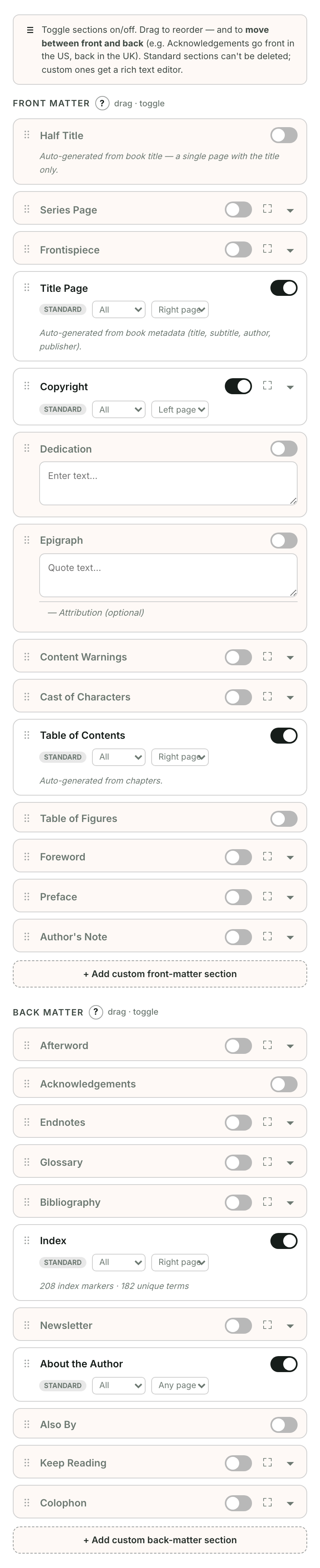
Add a page
- Open Book extras.
- Click Add a page.
- Choose a common page, search by name or purpose (try “thank you”), or open More page types.
- Click Add beside the page you want. Bookbndr places it before or after your chapters.
About the author and About the publisher are optional pages after your chapters. New books leave them out until you add them. Search for “author” or “publisher” in Add a page, then write your bio or introduce your publisher or imprint. Existing books keep the pages and text you have already chosen.
Write and preview
Use Write or Edit to open a page. Your text saves as you write. Done returns to the page list.
Title pages and the table of contents are created automatically from your book details and chapters. The title page's arrangement — the classic centered stack, flush left or right, or framed by a thin rule — is set in the Title page section on the Design step. Use Preview to see them. In a wide panel, the preview stays alongside your editor. In a narrow panel, use Preview this page, then Back to pages to return to your editor.
Before continuing to Design, Bookbndr points out any included pages that still need text. Choose Write now or Leave out.
Leave a page out
Open its ⋯ menu and choose Leave out of book, or clear Include in my book in its editor. Your text is kept. Pages with saved text appear under Not included, where Add back restores them. Other page types remain available in Add a page.
See Reorder pages, Create your own page, or What is front matter & back matter?.