 Bookbndr
What you'll do: arrange your extra pages in reading order.
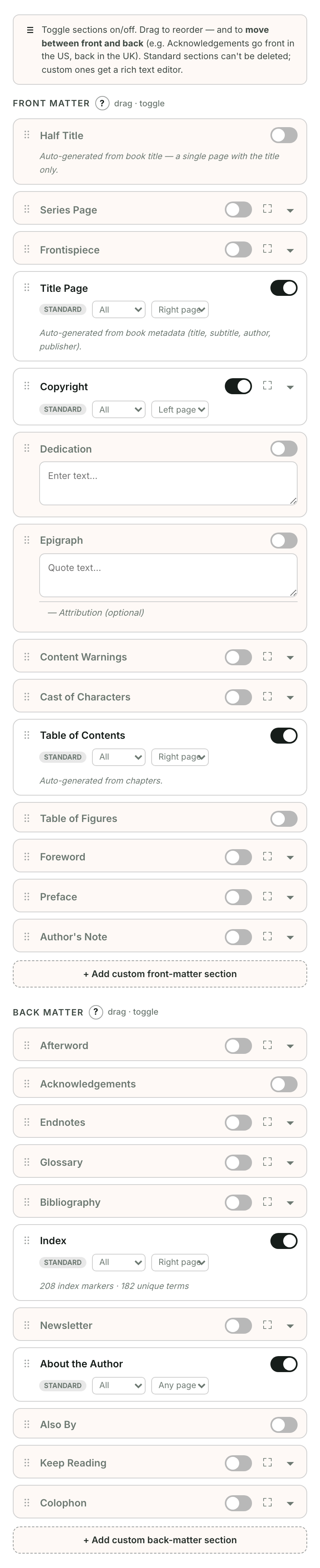
- Open Book extras.
- Open the ⋯ menu beside a page.
- Choose Move up or Move down. These controls work with a mouse, touch, or keyboard.
To move a page between groups, choose Move after chapters or Move before chapters. It keeps its content. You can also change Placement inside the editor's Page options.
A notification offers Undo after a move. The order in the list is the order readers will see.
To leave a page out, choose Leave out of book from its menu. Your text is kept. Custom pages also offer Remove this page under Page options, with Undo available immediately afterwards.