
Start where you are.
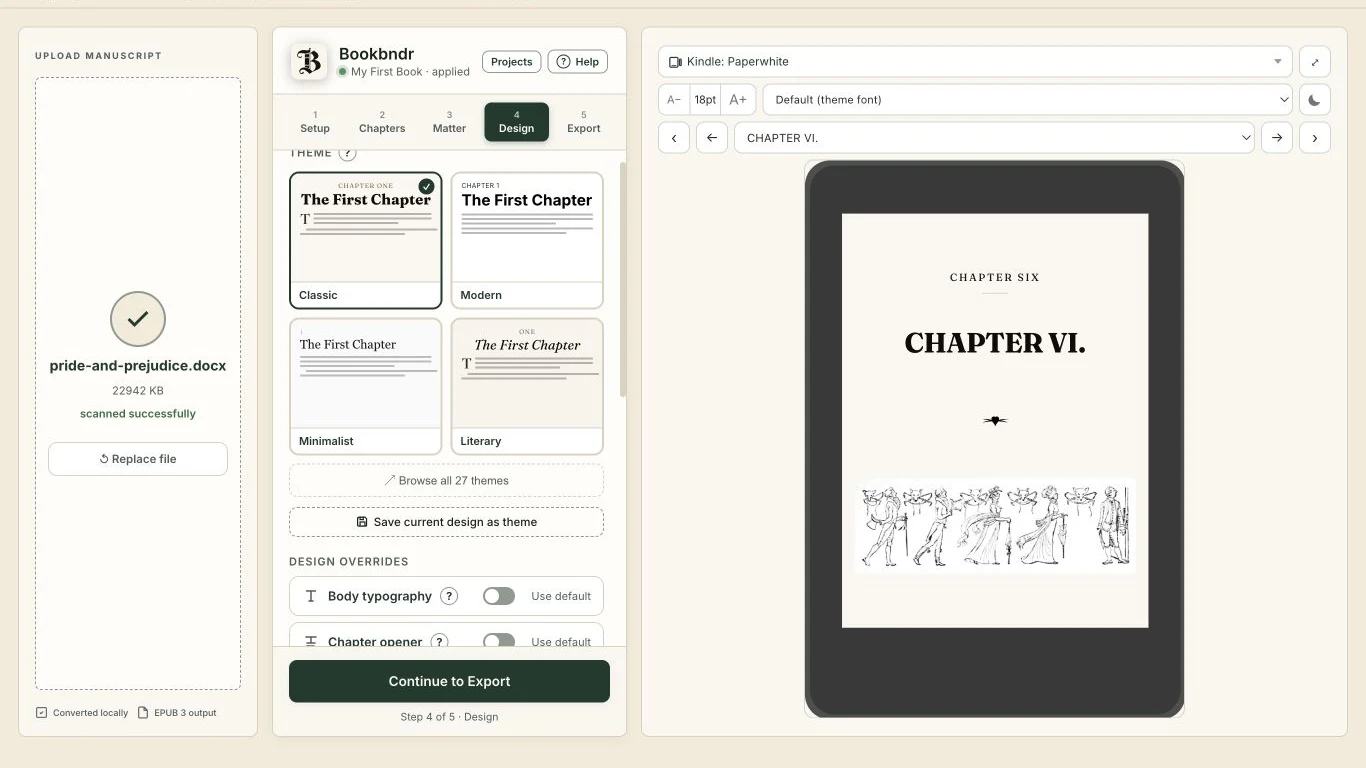
Open your .docx in the browser workspace. Bookbndr reads your headings, notes, images, and structure.
From the document you love to the book they’ll love.
Beautiful print books and ebooks. One master manuscript.
Bring your document. Watch it become a book.
You’ve written the book. You shouldn’t have to move into a new writing app to publish it.
Keep your edits, your editor’s feedback, and your final words in the document you already know. Bookbndr turns that master into beautifully formatted editions.
Keep your workflow. Upgrade your books.There are places we pass every day without ever really seeing them. A garden gate. A turn in the path. The light at the window.
And then one morning, we stop. The familiar becomes extraordinary.
1Revise the original. Regenerate the editions. Repeat.
Open your .docx in the browser workspace. Bookbndr reads your headings, notes, images, and structure.
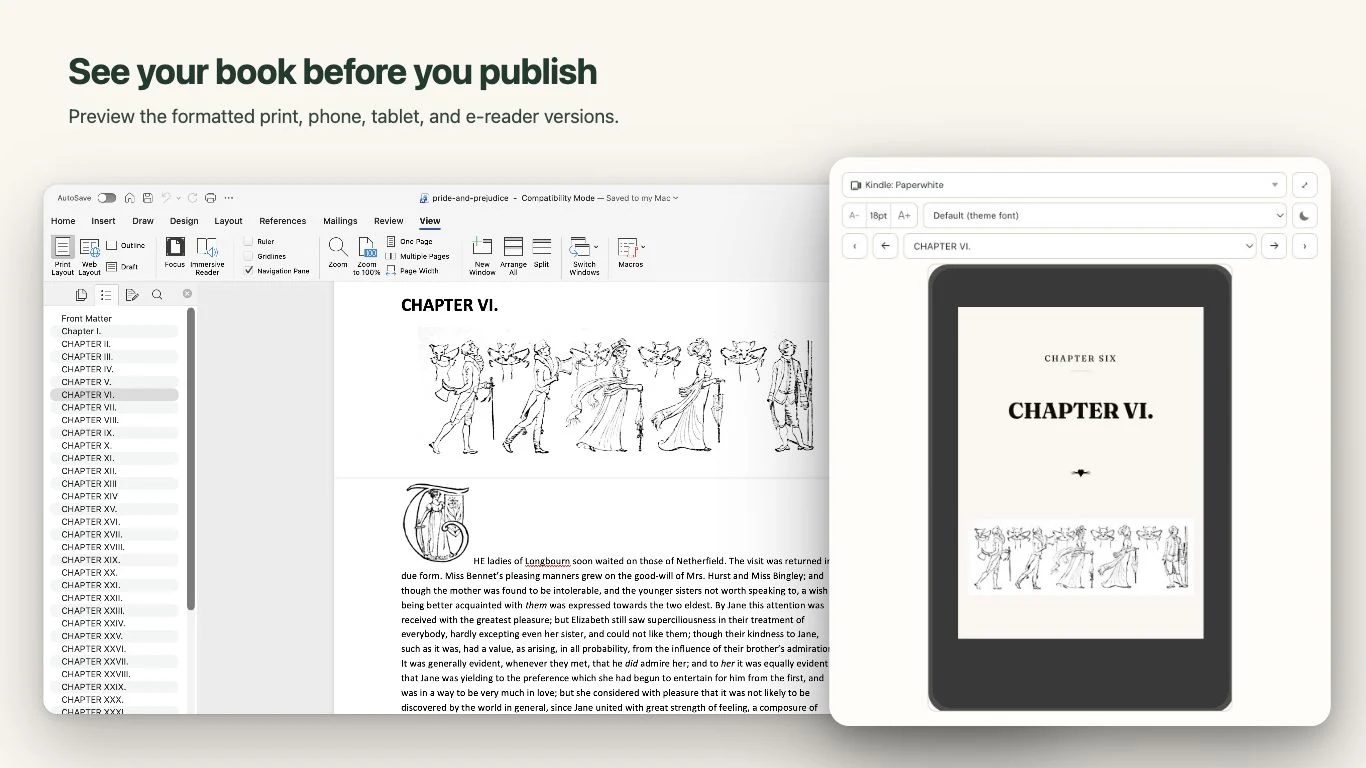
Choose a theme, refine the typography, and see your book take shape in a live print or device preview.
Download your EPUB and generate your print layout. Need a revision? Update your master and load it again.
A novel with a little flourish. A memoir with photographs.
A work of nonfiction with the notes to back it up.
Every detail has a story.1
1 And every story deserves its place.Keep the notes you’ve already written. Choose page-bottom, chapter-end, or book-end placement for print, with linked notes in your ebook.
Turn marked Word index entries into a formatted index. Carry your bibliography into the back matter, right where readers need it.
Beautiful themes, expressive chapter openers, drop caps, and scene breaks. Make the page feel as considered as the words on it.
Title and copyright pages, dedications, contents, acknowledgments, and custom front and back matter.
Trim sizes, margins, running heads, page numbers, and controls for widows and orphans.
Images, captions, headings, block quotes, poetry, and styled prose blocks, all with their own place.
Organize chapters, parts, and sections. Build a table of contents that helps readers find their way.
Preview print pages and ebook devices. Check book details with preflight before you export.
Save your design as a reusable theme and apply your project’s settings to a revised document or another book.
Bookbndr fits around your manuscript, your editor, and the way you work. The document remains the source. The books are the beautiful result.
Keep the correction in your master manuscript. Regenerate your print and ebook editions from the same source.
Give your words the finish they deserve.
Keep the document. Love the book.
No. Keep writing and editing in your master document. In the browser, load a .docx whenever you want to generate your editions. With the Word add-in, rescan your open manuscript after making changes.
Yes. Bookbndr generates an EPUB 3 ebook and a paginated print layout from the same project. The print workflow produces an HTML file that you open in your browser and save as a PDF using the supplied print settings.
Edit the original document, then replace the .docx in your browser project or rescan it in Word. Your saved theme and project settings can be reused. Review the updated preview and export fresh editions. Browser uploads do not sync automatically.
Bookbndr reads Word footnotes and endnotes, and builds an index from marked Word index entries. Footnotes have placement controls; Word endnotes go at the back of the book. An index requires marked entries in your source document.
The browser reads and converts the document locally on your computer. Your original file stays yours. When you sign in, book metadata, formatting settings, chapter mappings, and reusable themes sync to your account. Manuscripts, uploaded images, and authored front/back matter stay on this device. You can remove local data from the workspace. Keep your master document backed up.
For the browser workspace, download your Google document as a Microsoft Word (.docx) file, then open it in Bookbndr. Review your imported headings, notes, and formatting before exporting.
Pay $199 once for account-based access to website print and ebook exports, with no subscription or license key. Formatting and previews are free. Exporting requires an internet connection so we can verify your license. The Word and Google Docs add-ins are separate deployments.