 Bookbndr
What you'll do: add a page when none of the standard types fit, such as a map or reading group questions.
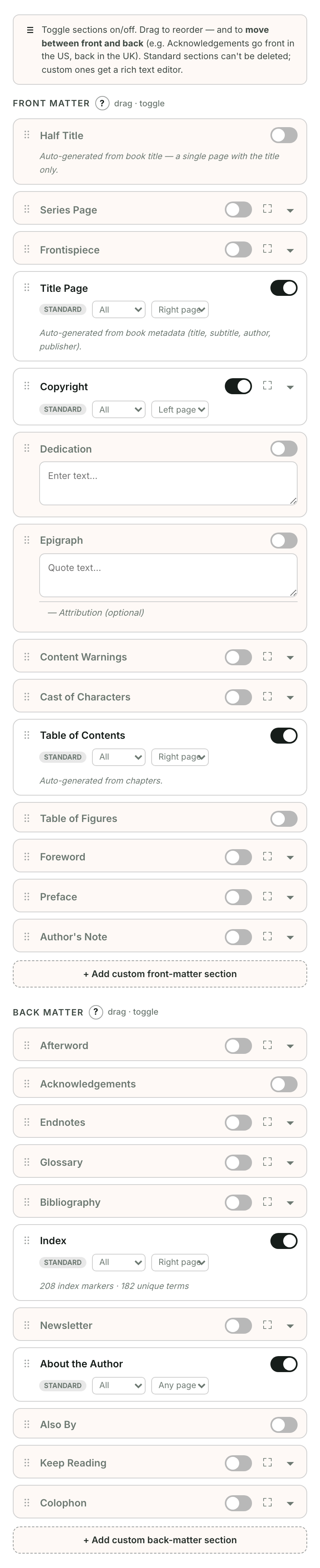
- Open Book extras, then Add a page.
- Click Create your own page.
- Enter a Page title and write or paste your content in the editor.
- Open Page options to choose whether it appears before or after your chapters, and in ebook, print, or both.
- Click Done to return to your pages.
Text saves as you write. Use Preview this page to check the result.
To remove a custom page, open Page options and choose Remove this page. The notification offers Undo. To keep its text for later, clear Include in my book instead.
See Reorder pages and Choose where a page appears.