 Bookbndr
In plain terms: an index is the alphabetical list of topics — and the pages they appear on — at the very back of a book. It's most common in non-fiction.
How Bookbndr makes it
You don't type an index by hand. You mark index entries in Word (Word calls these "XE" entries) as you write — tagging the words and topics you want indexed. When Bookbndr scans your document and finds those entries, it:
- automatically turns on the Index back-matter section, and
- builds the index for you — alphabetized, with the right page numbers in the print PDF and tappable links in the EPUB.
If your document has no marked entries, there's simply no index, and the Index settings have no effect.
Formatting it
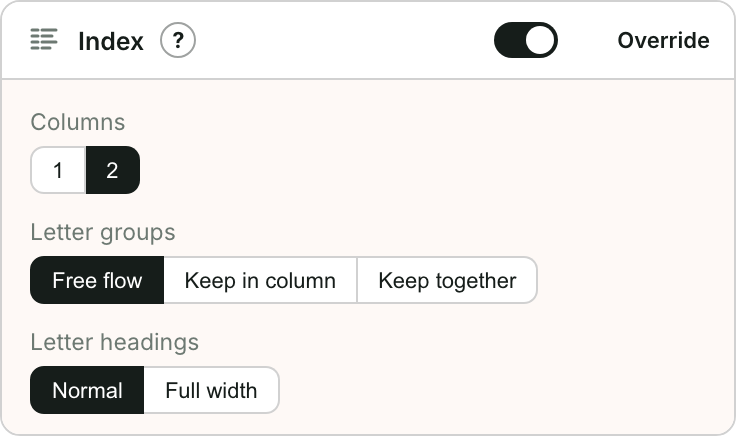
On the Design step you can choose one or two columns and how letter groups and letter headings are laid out.
→ To adjust the layout: Format the index.