 Bookbndr
In plain terms: widows and orphans are stranded single lines at a page break that look awkward in a printed book.
- A widow is the last line of a paragraph pushed alone to the top of the next page.
- An orphan is the first line of a paragraph left alone at the bottom of a page, with the rest overleaf.
A memory aid: an orphan is left behind at the start; a widow is left behind at the end.
Why fix them
A lone line cut off from its paragraph looks like a mistake and interrupts reading. Good typesetting avoids it by nudging a line onto the next page so paragraphs stay together.
In Bookbndr
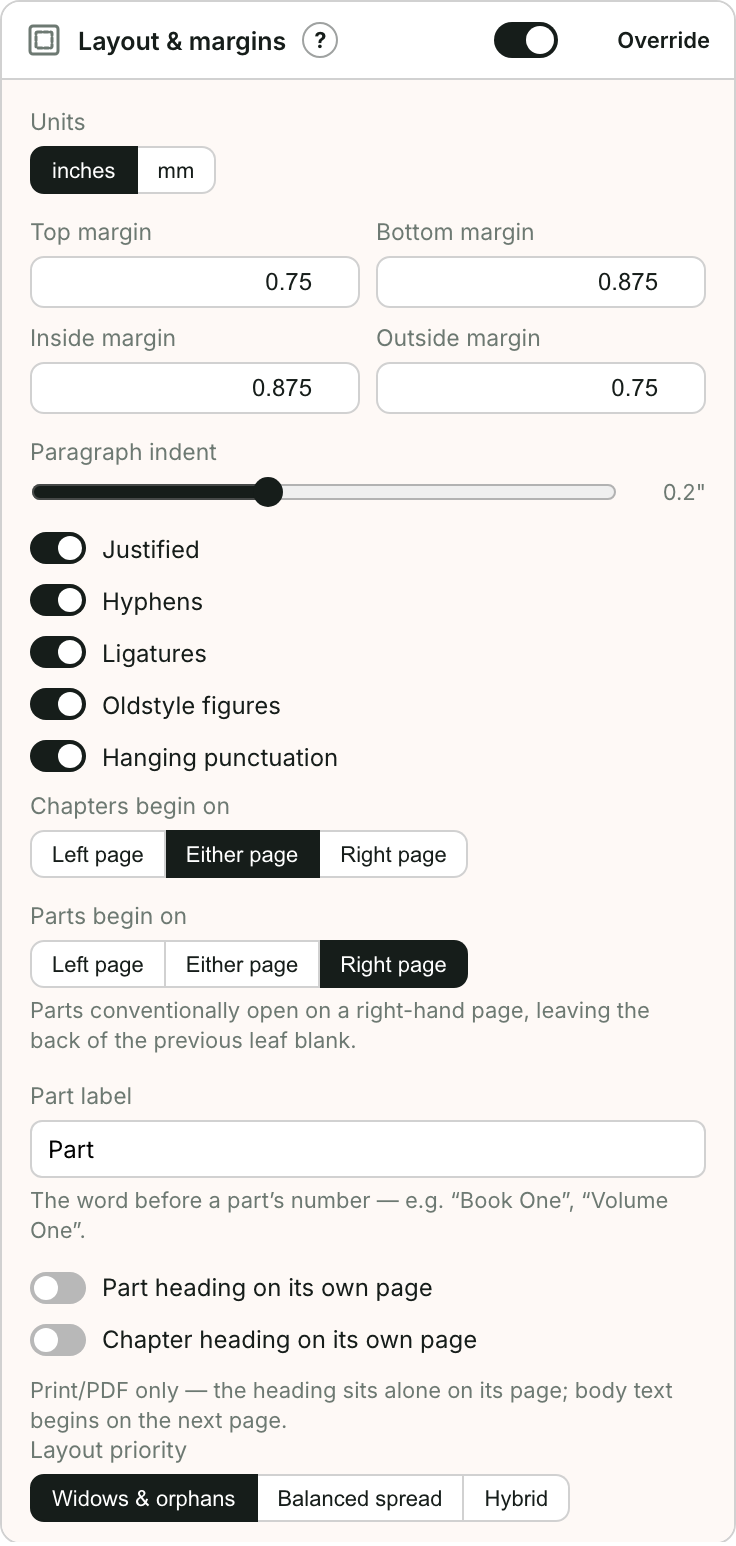
This is a print concern. On the Design step you set a Layout priority that tells Bookbndr to favor avoiding widows and orphans, balancing facing pages, or a hybrid of both. Bookbndr also respects the Keep with next, Keep lines together and Widow/Orphan control settings you applied in Word, layering them on top of your Layout priority.
In an EPUB the reader's device decides where each page ends, so widows and orphans aren't something you control there.
→ To adjust it: Control widows, orphans & page breaks.