 Bookbndr
In plain terms: margins are the blank space around the text on a page. A few traditional words describe them, and they matter most for the printed book.
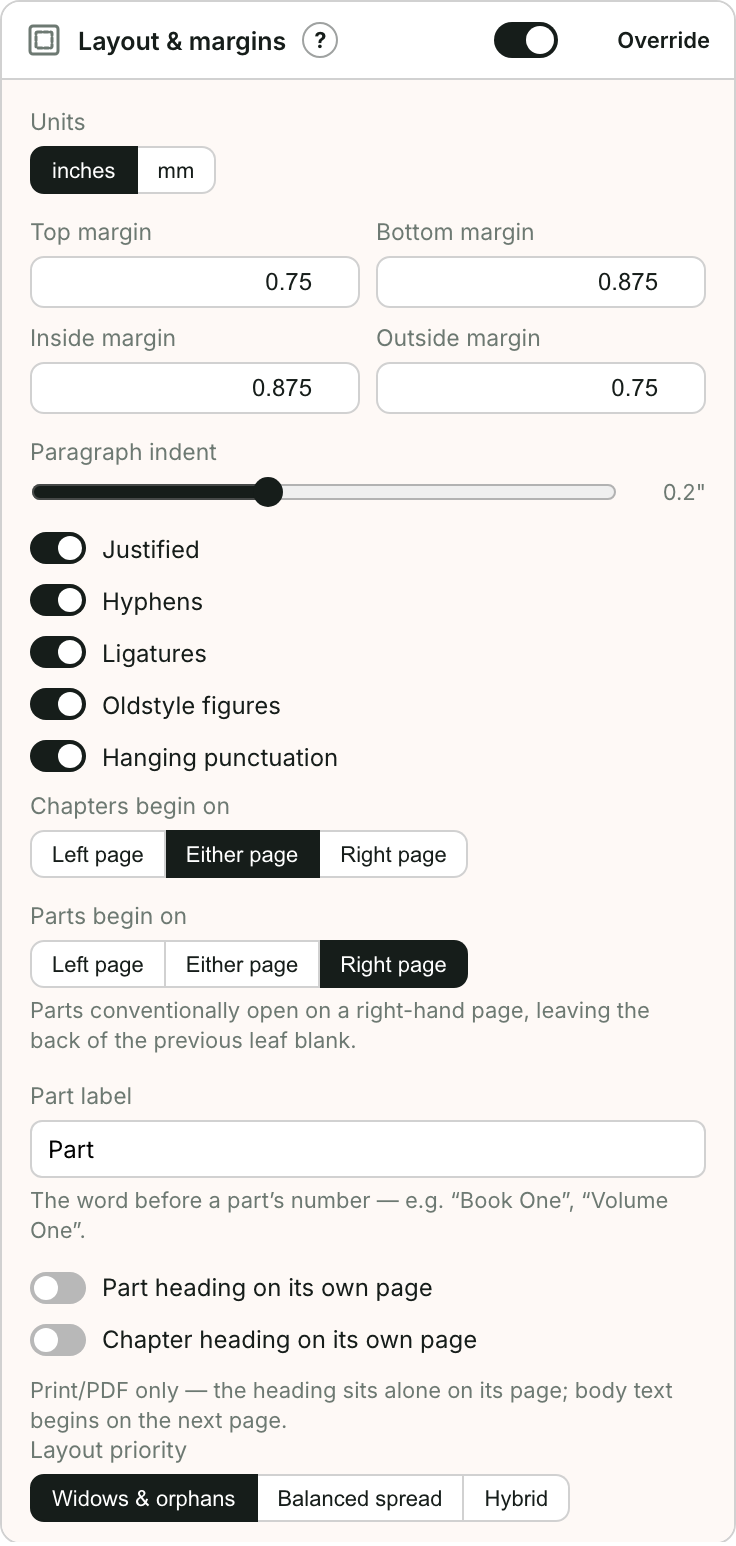
The four margins
Every page has a top, bottom, inside and outside margin. "Inside" and "outside" are used instead of "left" and "right" because which side is which flips on every page (see recto & verso below).
The gutter
The gutter is the inside margin — the strip next to the spine where the book is bound. In a printed book you make the gutter a little wider than the outside margin, so words near the spine don't disappear into the fold.
Recto & verso
When a book is open, the right-hand page is the recto and the left-hand page is the verso. Page 1 is always a recto. Because the spine is on the left of a recto but the right of a verso, the "inside" margin swaps sides — which is why Bookbndr talks about inside/outside rather than left/right.
E-book vs print
Margins like this are a print concept. In an EPUB the reader's device controls the margins, so these settings only shape your print PDF.
→ To set them: Set page size & margins.