 Bookbndr
What you'll do: manage your saved projects — give one a clearer name, copy one as a starting point, or remove one you no longer need.
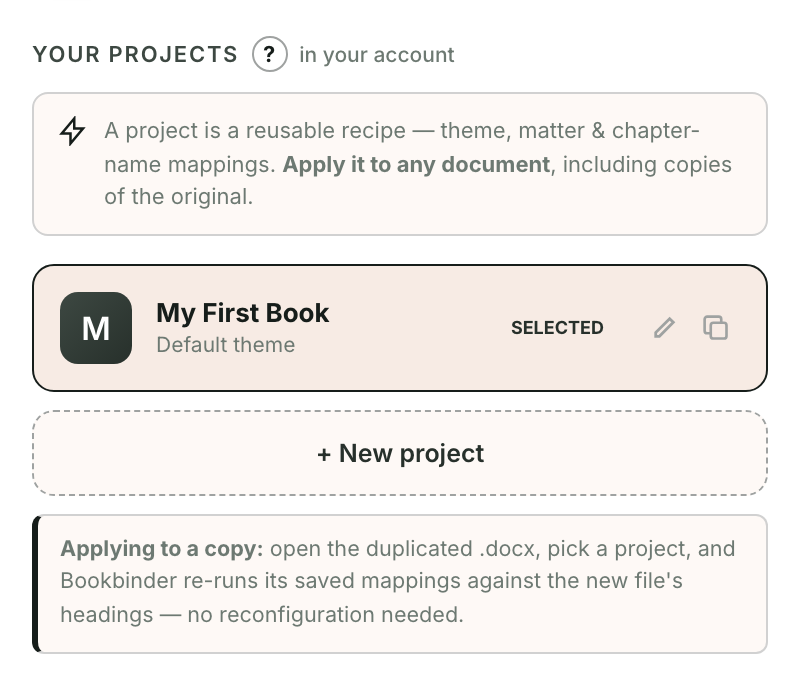
Rename
- Go to the Projects screen.
- Click the pencil icon on a project card.
- Type the new name and confirm.
Duplicate
Click the copy icon to make a "Copy of …". This is the safe way to create a variant — for example a different look for the same book — without changing the original.
Delete
Click the × on a card, then confirm. Deleting a project removes its saved settings; it does not touch your Word document or any EPUB you've already exported.
Each book usually gets its own project. Create a new one with + New project on the same screen.