 Bookbndr
In plain terms: a theme is the look of your book. A project is everything you've set up for this book — including which theme you chose. People mix these two words up, so here's the difference.
A theme is the look
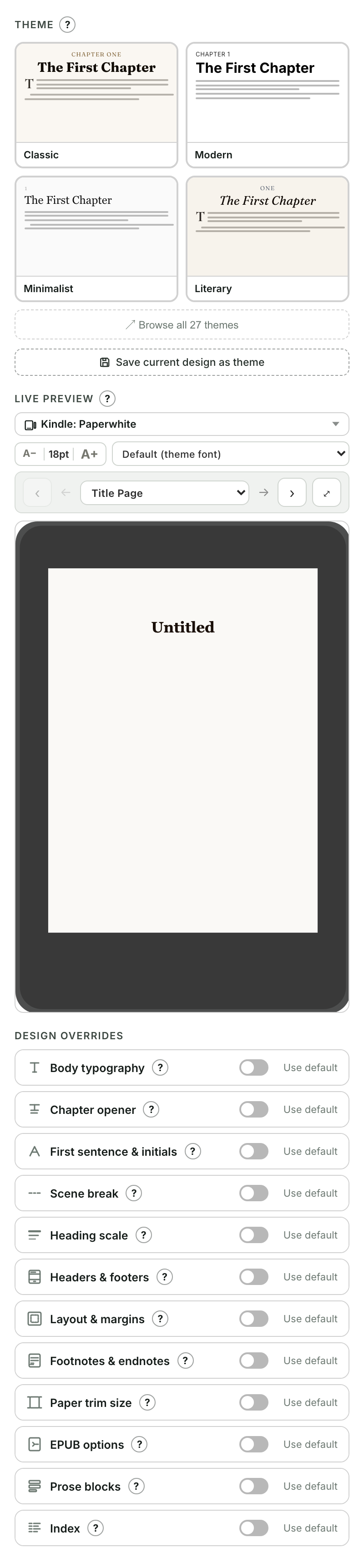
A theme is a ready-made visual design: fonts, spacing, how chapter openers look, scene-break styling, page layout. You pick one on the Design screen and your whole book instantly takes on that style. You can then fine-tune anything, and save your tweaked version as your own theme to reuse.
A project is the whole setup
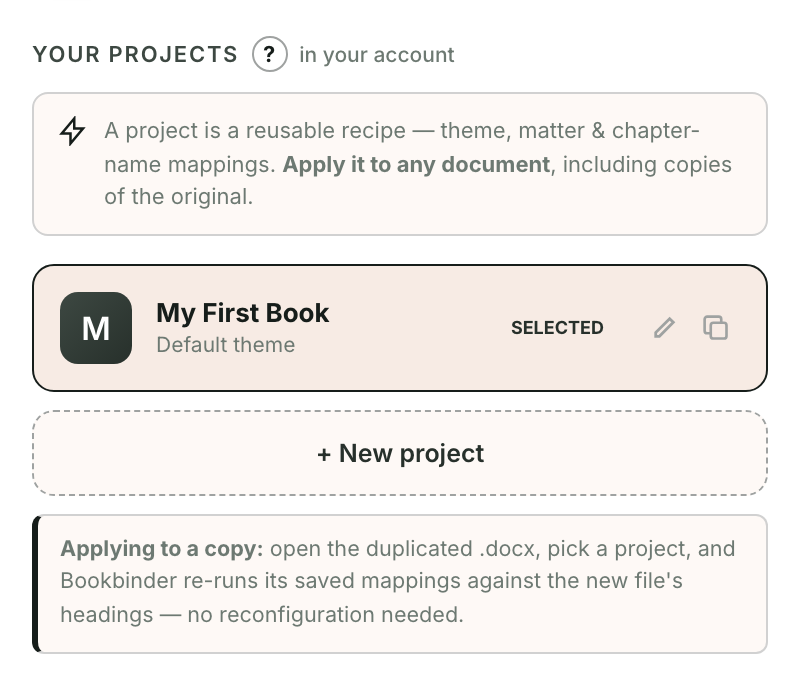
A project is the reusable recipe for a book. It remembers:
- the theme you chose (and any tweaks),
- your book details — title, author, ISBN and so on,
- your chapter choices — which heading is a chapter, part or section,
- your front- and back-matter setup.
Why the difference matters
Because a project remembers everything, you can apply it to another document — for example the next book in a series, or a fresh copy of the same manuscript — and Bookbndr re-runs all your saved choices against the new file. You don't start from scratch.
So: choose a theme to change how the book looks; use a project to carry an entire setup from one document to the next.