 Bookbndr
What you'll do: produce a fixed-page file you can turn into a print-ready PDF for a paperback.
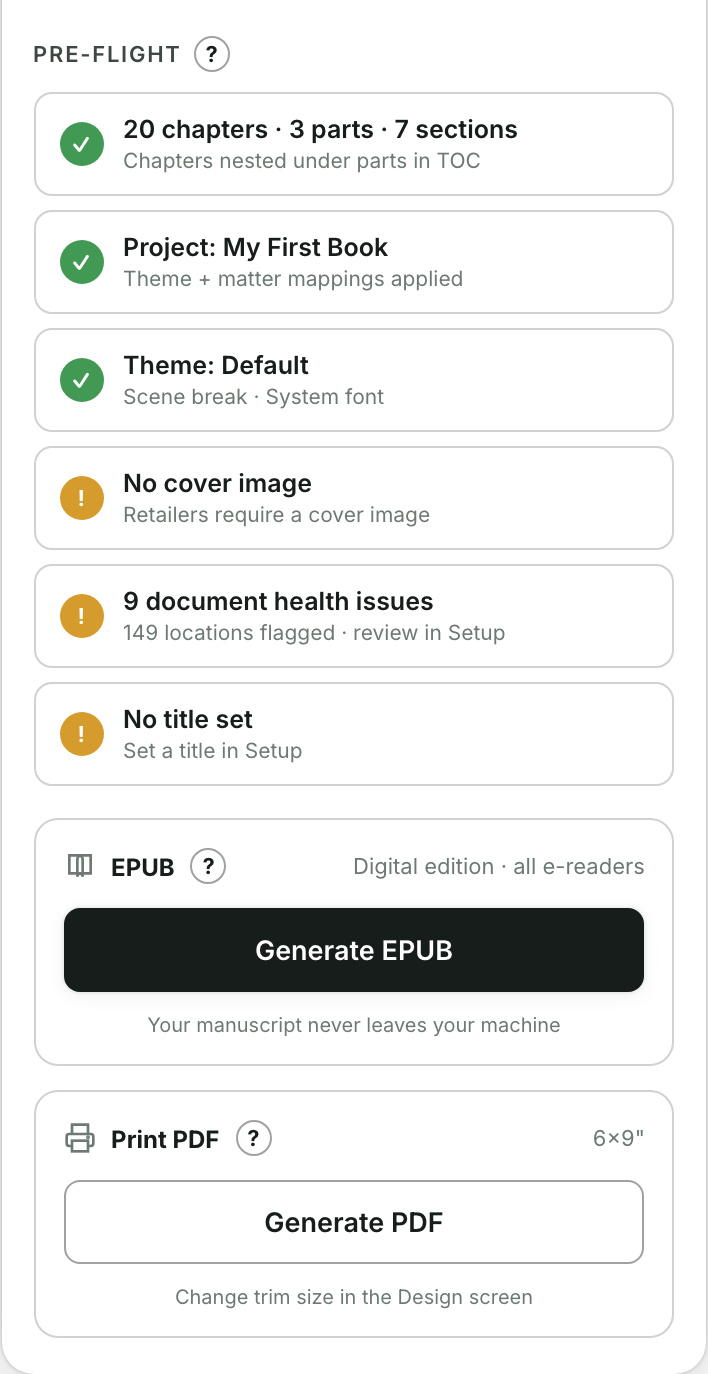
This is on the Export step, alongside the EPUB.
Before you start
Set your trim size and margins on the Design step first — see Set page size & margins. The print file uses those page dimensions.
Steps
- Go to the Export step and find the Print PDF card.
- Press Generate PDF. A progress log shows each step.
- When it finishes, Bookbndr downloads a
-print.htmlfile.
Turn it into a PDF
Bookbndr hands you an HTML file so your browser can do the highest-quality page rendering:
- Open the downloaded
-print.htmlfile in Chrome or Safari. - Press ⌘P (Print).
- Choose Save as PDF.
- Set Margins to None (your margins are already built into the pages).
- Click Save.
That PDF is sized to your chosen trim and is ready to upload to a print service. To change the page size, go back to Design and generate again.